One live channel
Paste the website link for a live channel. Import it directly into your library.
 AnyStreamTVGet the app
 YOUR WEBSITES. YOUR CHANNELS.
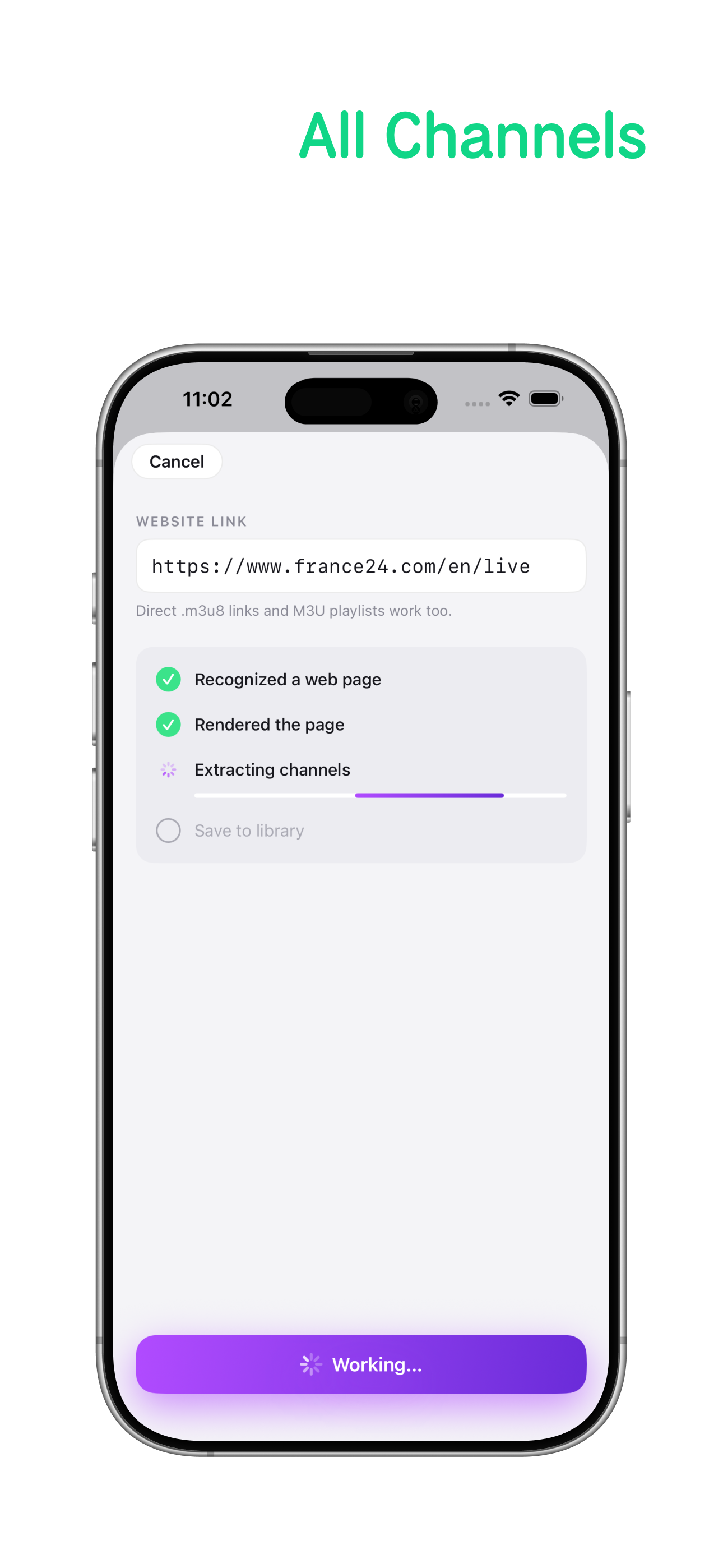
Paste the website link. AnyStream TV turns it into a channel.
No m3u8 to hunt down. No playlist to find.
EXPLORE ANYSTREAM TV
Choose a device to see the app in action.
LESS SEARCHING. MORE WATCHING.
Start with a site you already watch.
Keep the channels. Leave the link hunting behind.
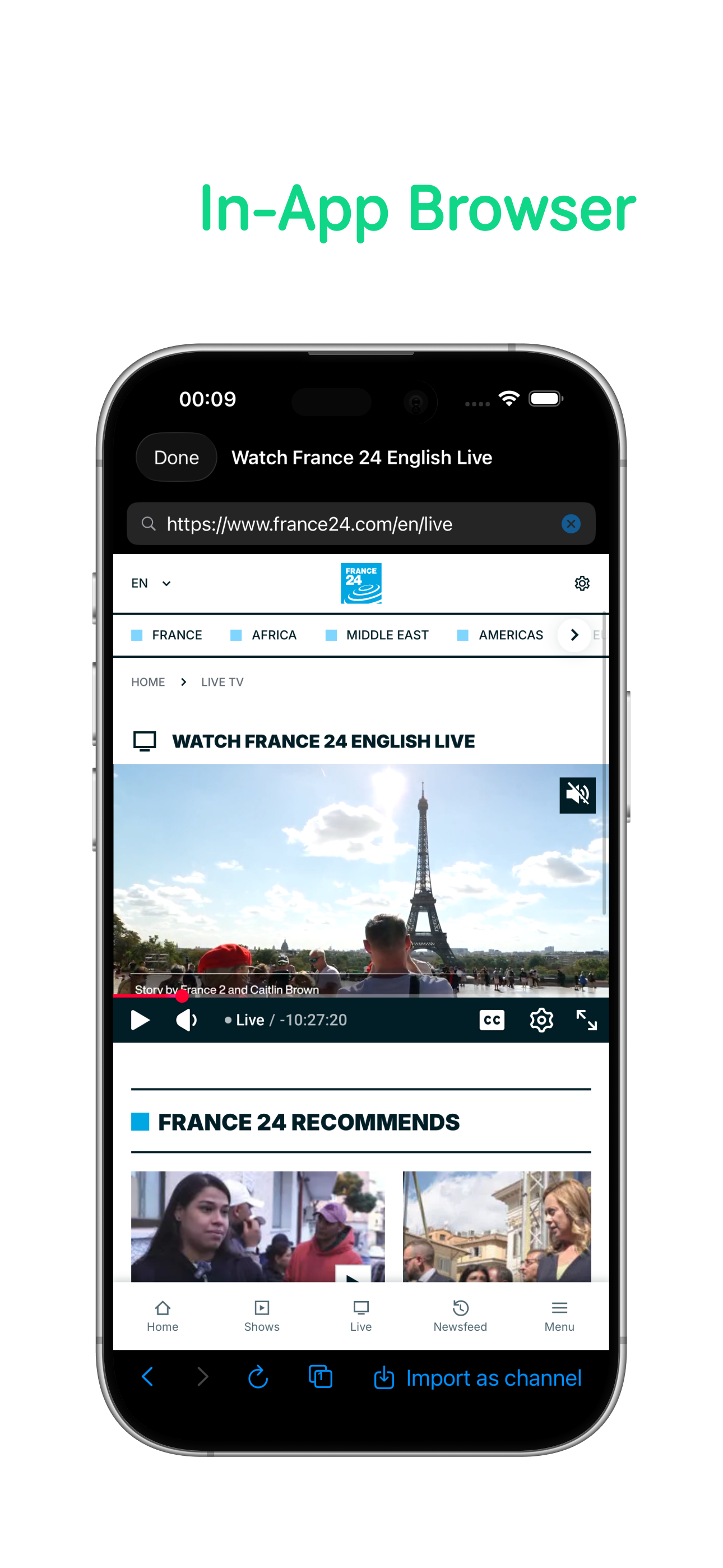
Paste the website link for a live channel. Import it directly into your library.
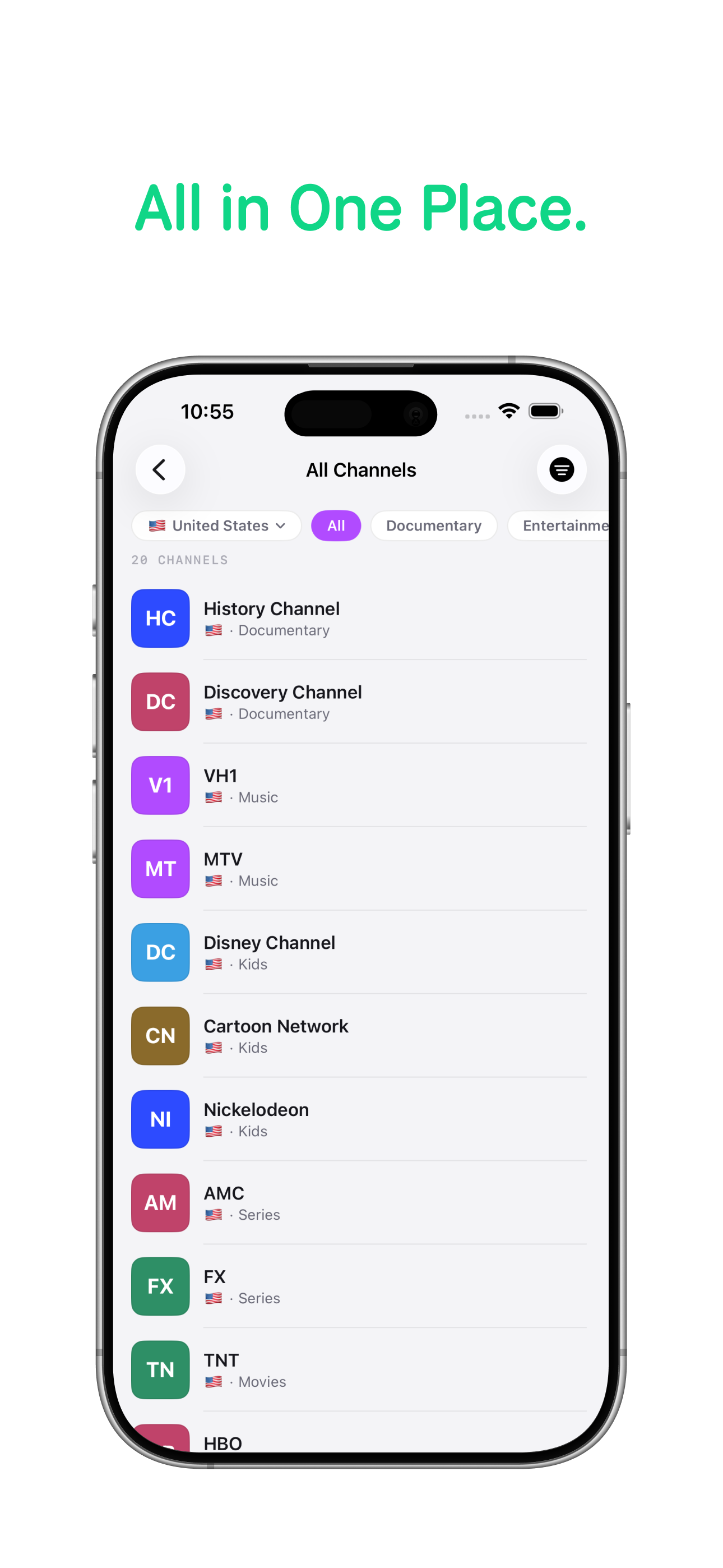
A website with a list of channels? Import all its channels together and save them as a playlist.
Open a channel from your library. After the import, you never have to go back to the site.
Already have a direct .m3u8 link or an M3U playlist? Those work too.
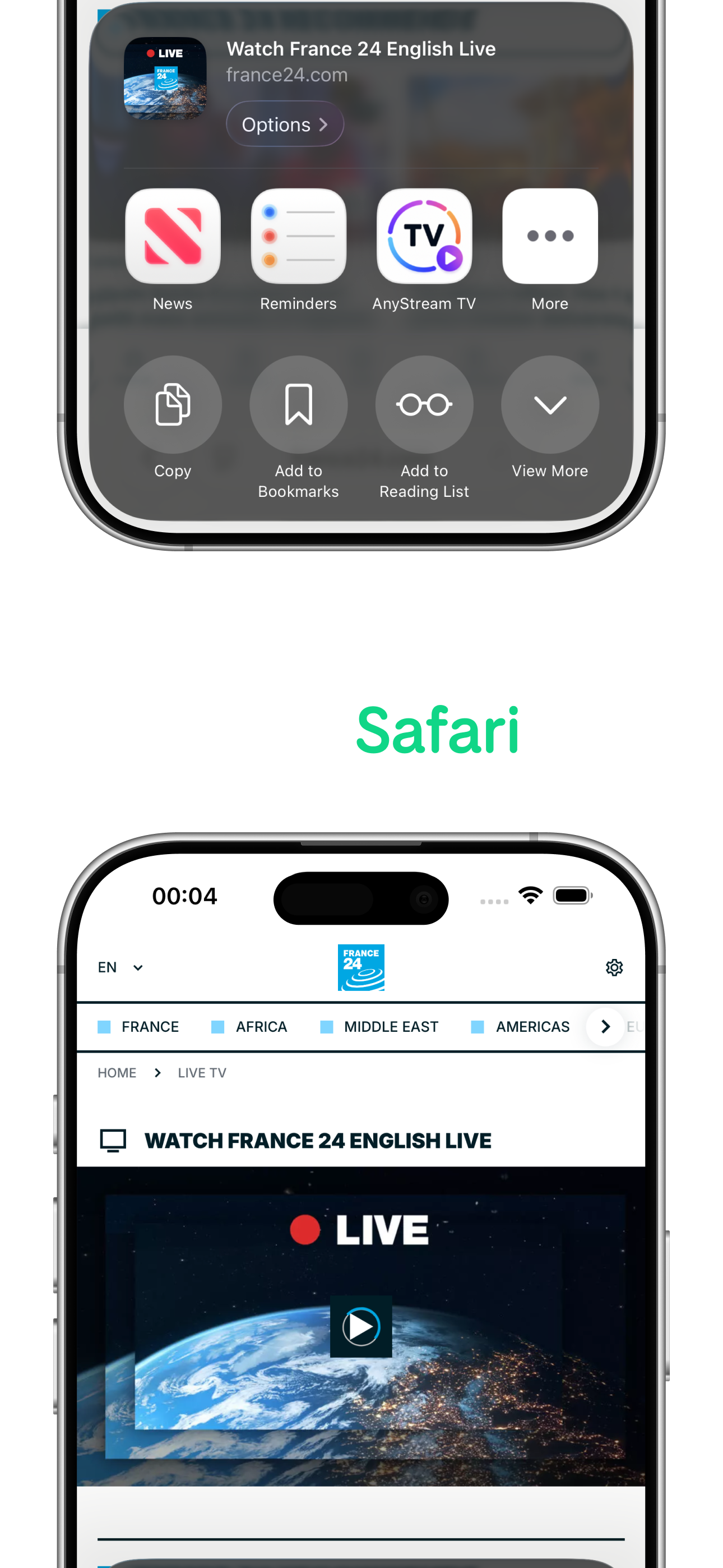
RIGHT WHERE YOU ARE
Share any page you're watching to AnyStream TV. It instantly becomes a channel in the app.
AnyStream TVONCE IMPORTED, JUST ENJOY
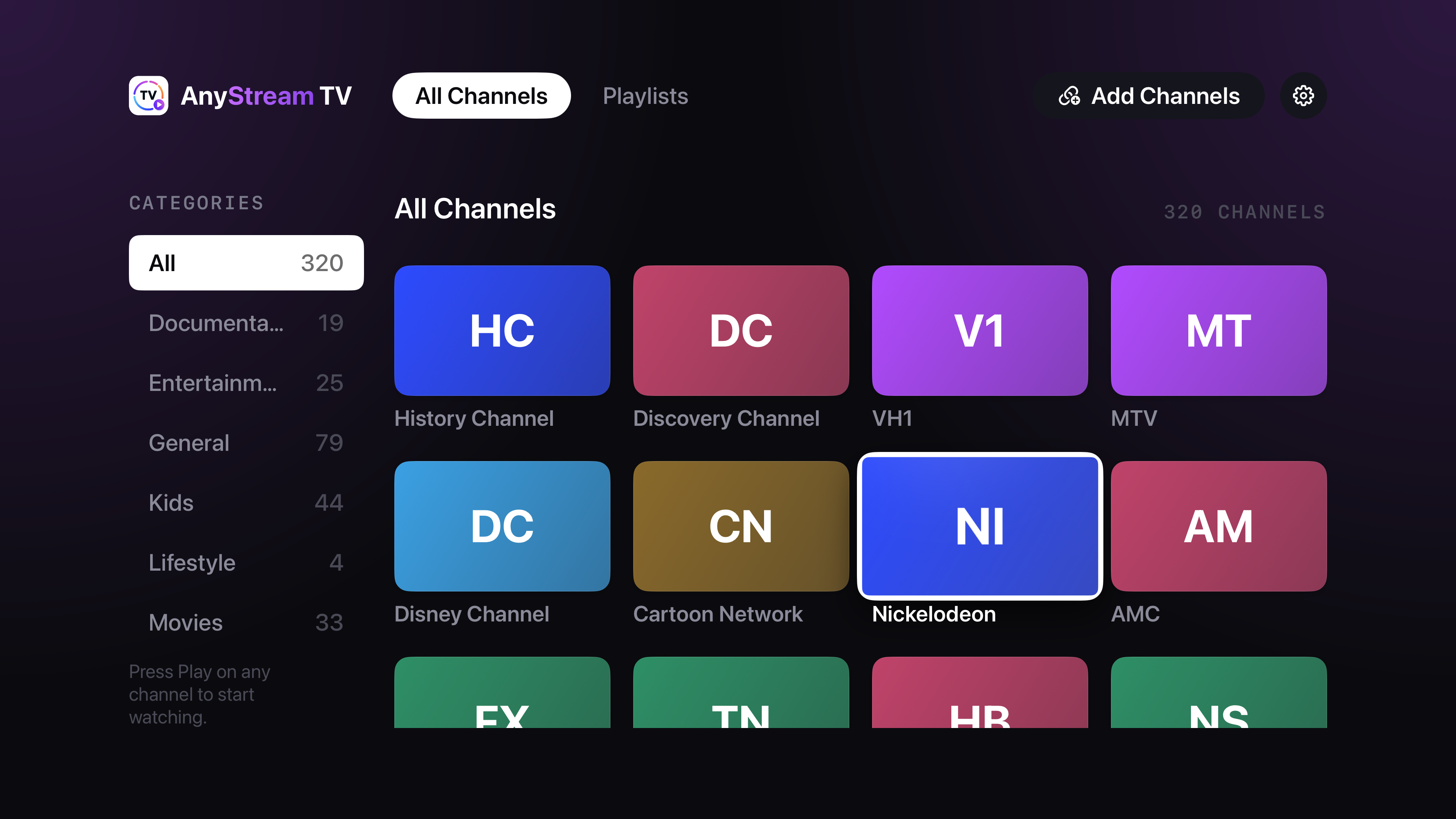
ANYSTREAM TV PRO · APPLE TV
Browse a channel grid made for the big screen. Pick a category, choose your channel and press Play.
Add a website directly on Apple TV, then save one channel or a whole playlist. Your library is ready for the next time you sit down.
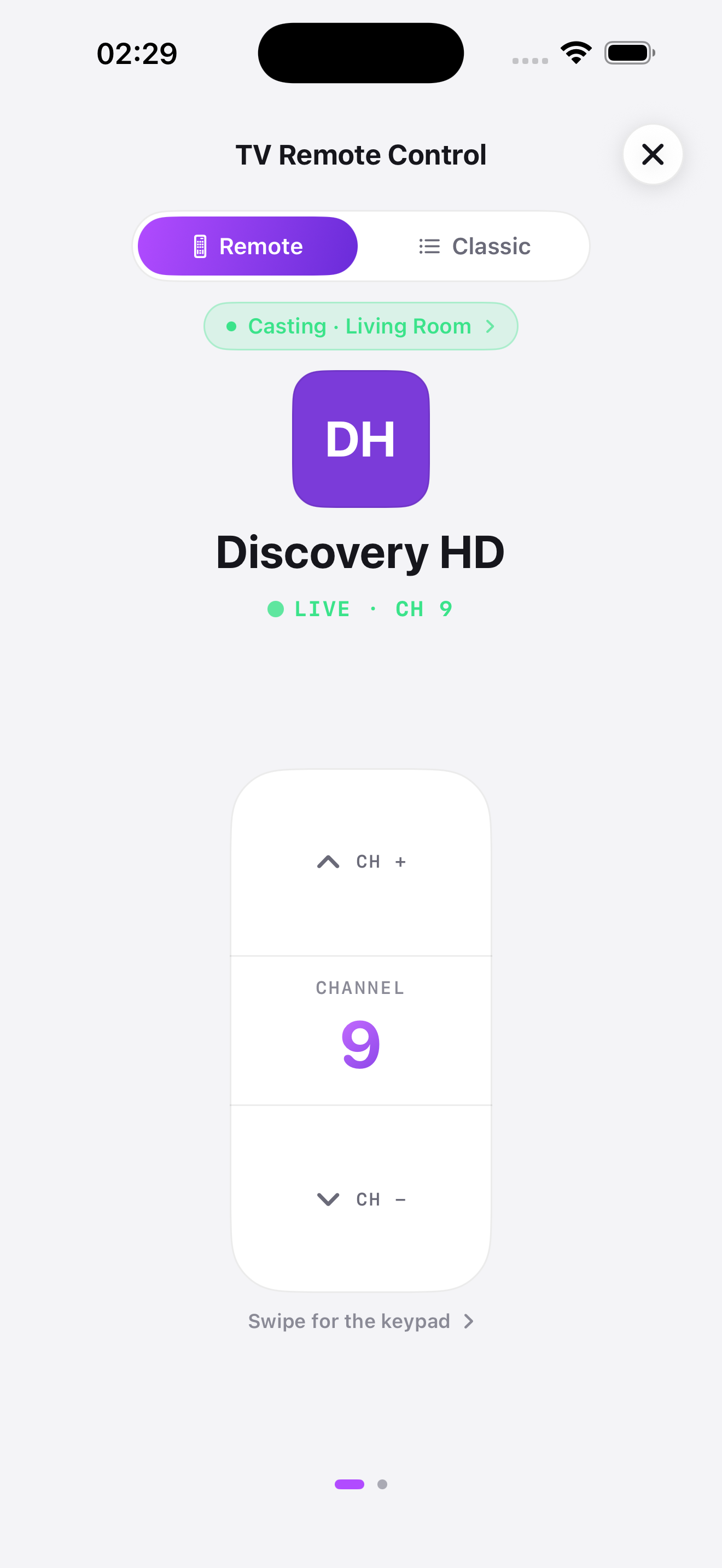
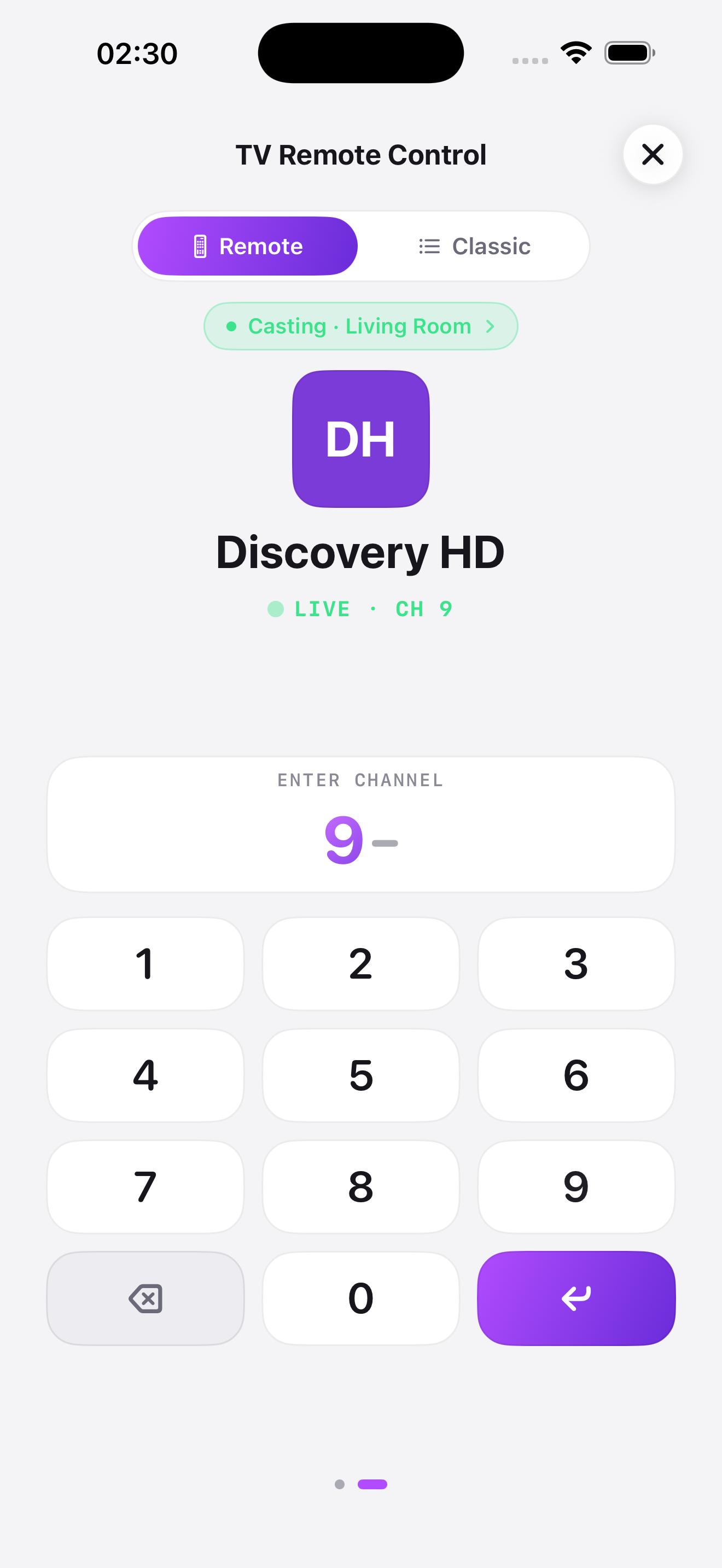
YOUR IPHONE BECOMES THE REMOTE
Cast a channel to your TV with AirPlay and AnyStream TV turns your iPhone into a remote.
YOUR LIBRARY, EVERYWHERE
Your channels, playlists and favourites sync automatically through iCloud across iPhone and iPad. With Pro, your library is ready on Apple TV and Apple silicon Mac too.
BROWSE. FIND. KEEP.
Open a site in the built-in browser and tap “Import as channel”. The next time you want to watch, go straight to your library.
Explore the iPhone appA LIBRARY THAT MAKES SENSE
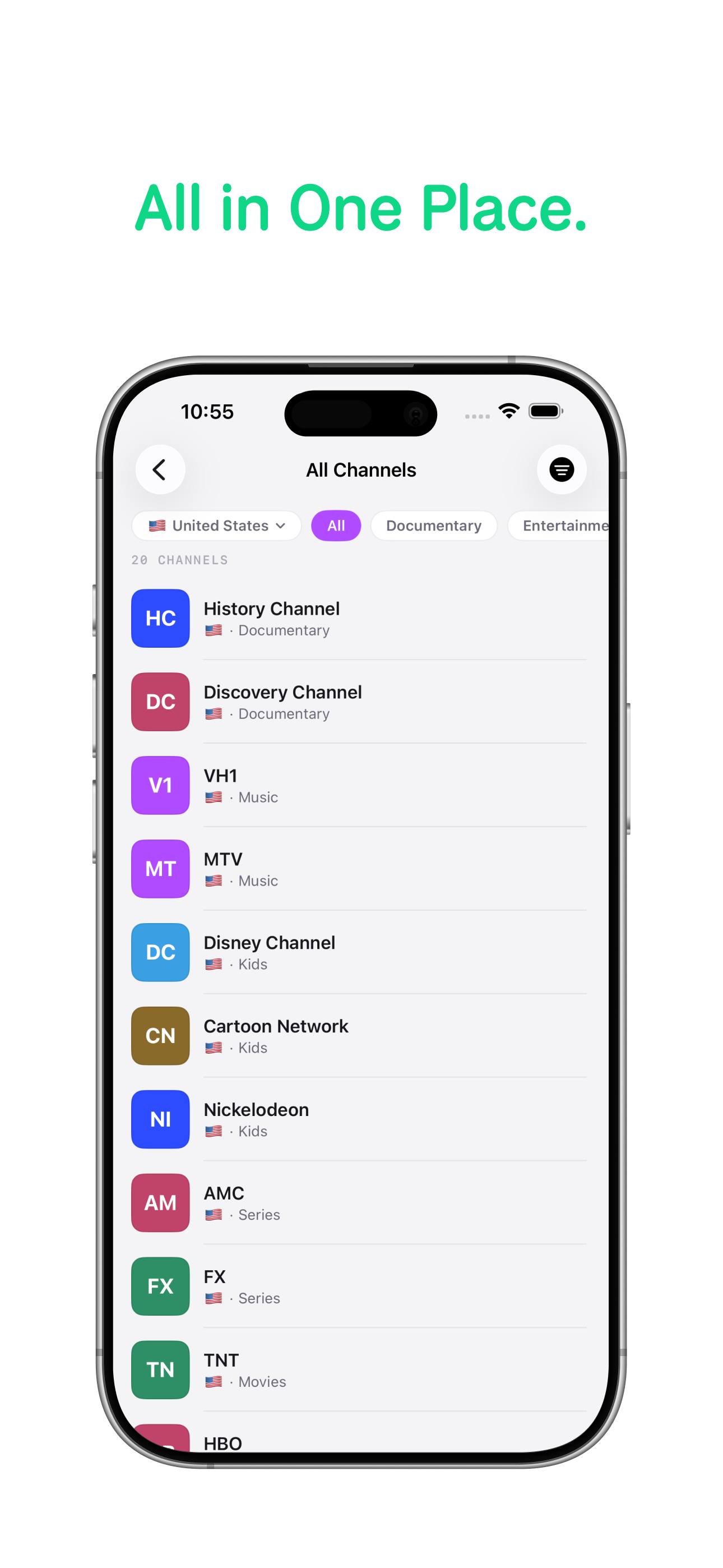
Search your library, filter by country or category, and organise channels into playlists. Spend less time looking for a channel and more time watching it.
ANYSTREAM TV PRO
Start with up to 5 channel imports per month.
Go Pro to keep importing, remove ads and watch on Apple TV and Mac.
Your library syncs through iCloud.
$2.99 / month
or $19.99 / year
Apple TV and Apple silicon Mac access are exclusive to Pro.FREE, TRIAL OR PRO
Start free, explore every screen for 7 days, then choose the plan that fits.
| Features | Free | 7-Day TrialTry every screen | Paid ProFull access |
|---|---|---|---|
| Import credits | 5 / month | 15 total | ∞ |
| Ads | Yes | ||
| iCloud sync | |||
| iPhone & iPad | |||
| Apple TV | — | ||
| Mac | — |
Free import credits refresh every month. Trial credits are available across the full 7-day trial.
Payment is charged to your Apple Account at confirmation of purchase. Subscriptions renew automatically unless cancelled at least 24 hours before the end of the current period. Manage or cancel in your Apple Account settings. Any unused portion of a free trial is forfeited when a subscription is purchased.
AnyStream TV ships with no catalogue and hosts nothing. It organises what you already open in your browser, turning the sites you visit for live TV into channels in your own library.
YOUR NEXT CHANNEL STARTS WITH A WEBSITE
For iPhone, iPad, Apple TV and Mac with Apple silicon.